WSP and ATR — approvals, SDFs and extensions (SETA view)
WSP overview, approving submissions, SDF approvals and recording extensions.
WSP/ATR submissions overview
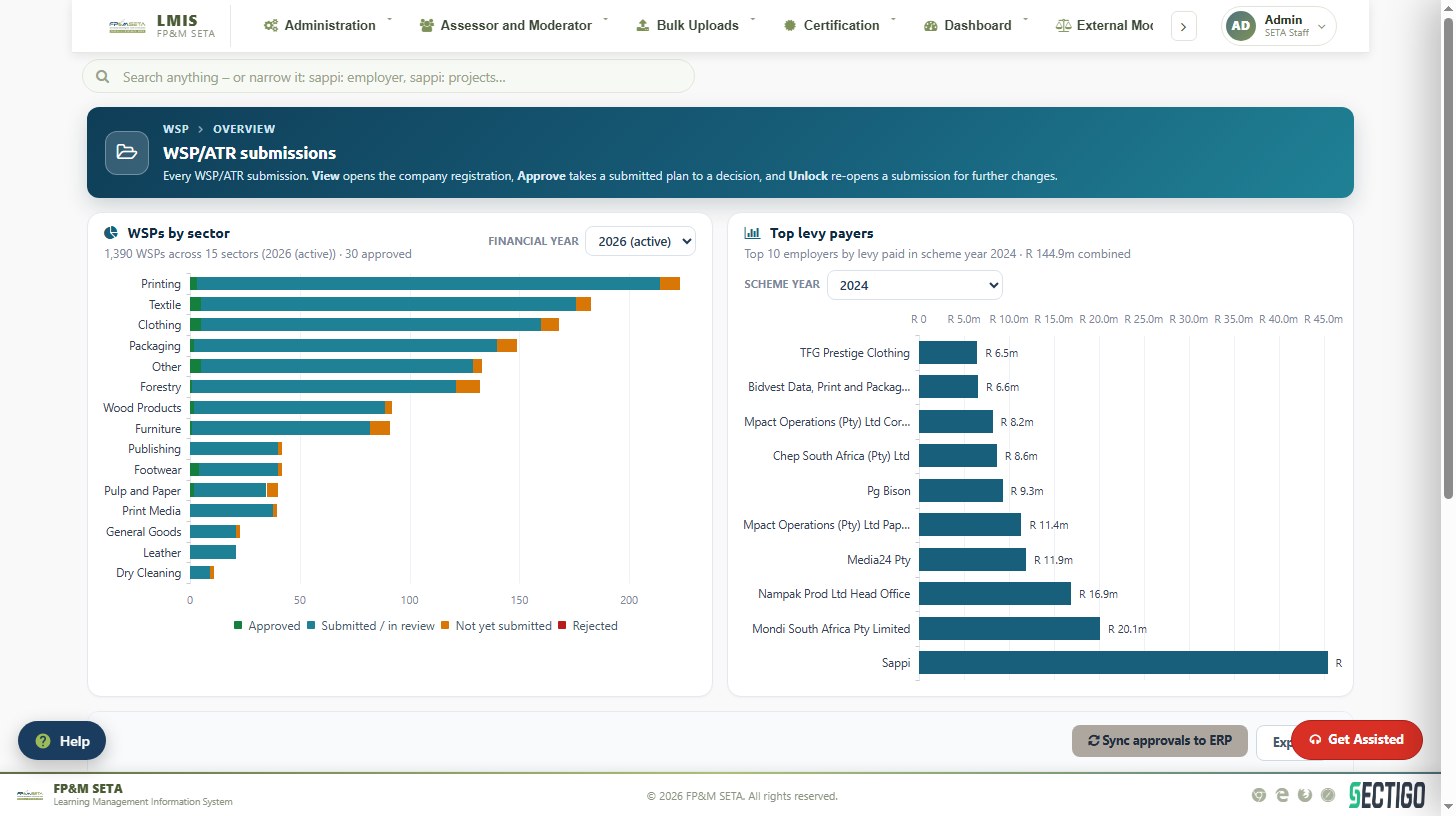
WSP and ATR > WSP Overview shows every submission. Charts show WSPs by sector for the financial year (approved, submitted/in review, not yet submitted, rejected) and the top levy payers for the scheme year. In the grid View opens the company registration, View Approval takes a submitted plan to a decision, WSPATR opens the plan and Delete removes a draft. Sync approvals to ERP sends approved submissions to the financial system.
Approving submissions
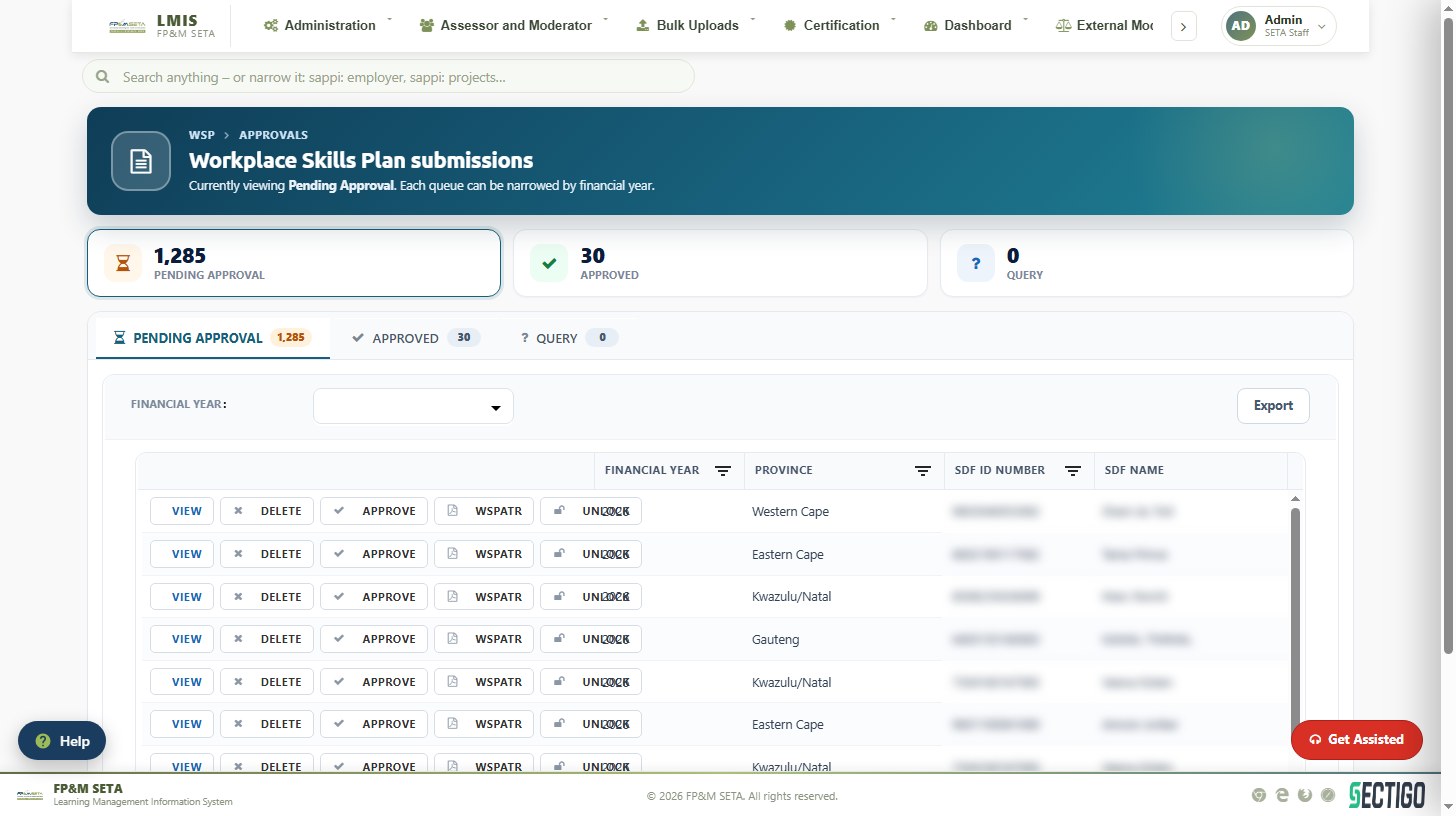
WSP and ATR Approval lists submissions by queue — Pending Approval, Approved and Query — narrowed by Financial Year. For each submission you can View it, Approve it, Unlock it (re-open so the SDF can make changes), open the WSPATR document or Delete it. Approval and query letters are sent from WSP Correspondence using the Report Templates.
SDFs
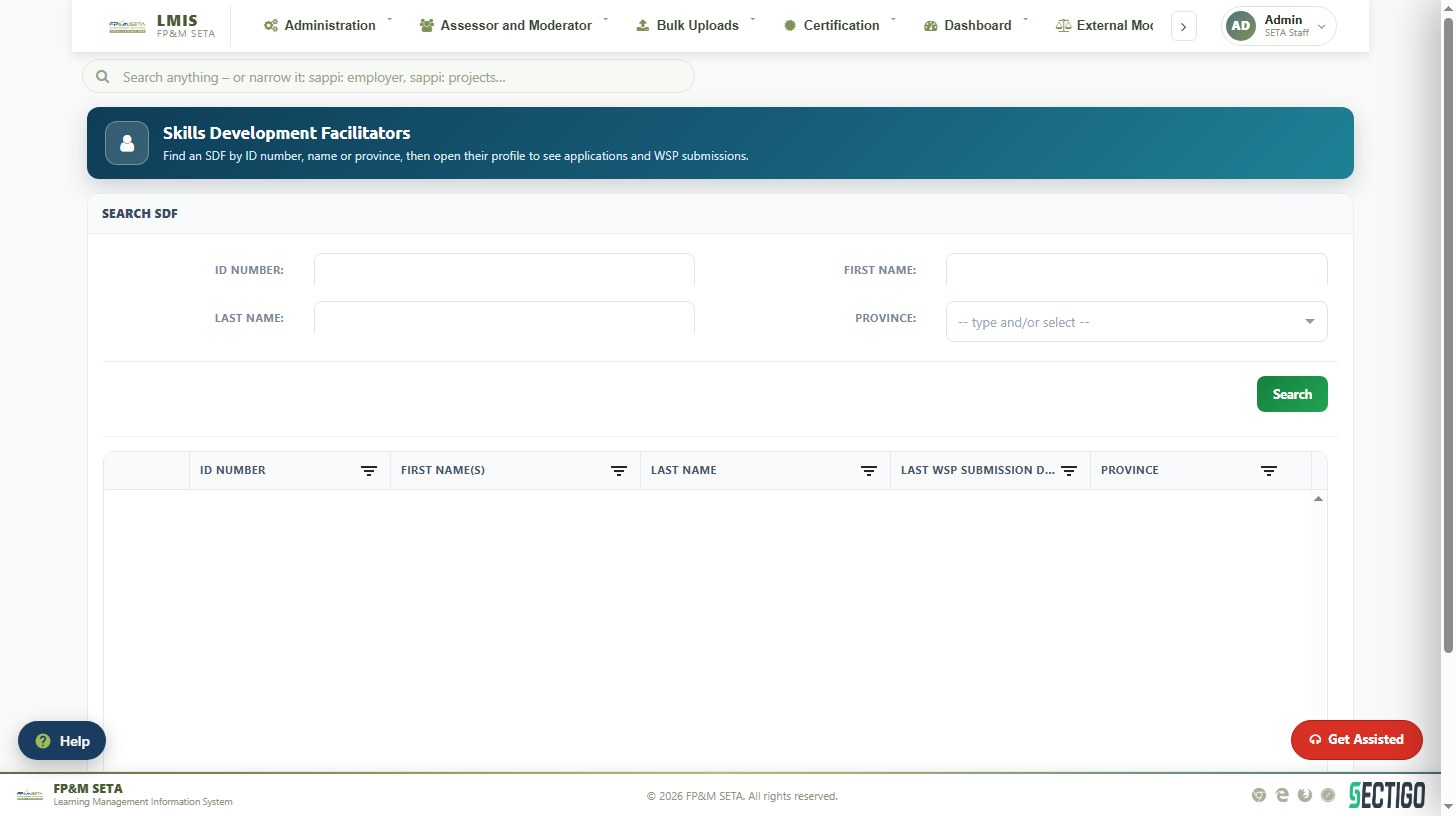
SDF Search finds a facilitator by ID Number, name or Province and opens the SDF profile with applications, linked employers and submissions. SDF Approvals lists SDF appointment applications awaiting approval.
Extensions
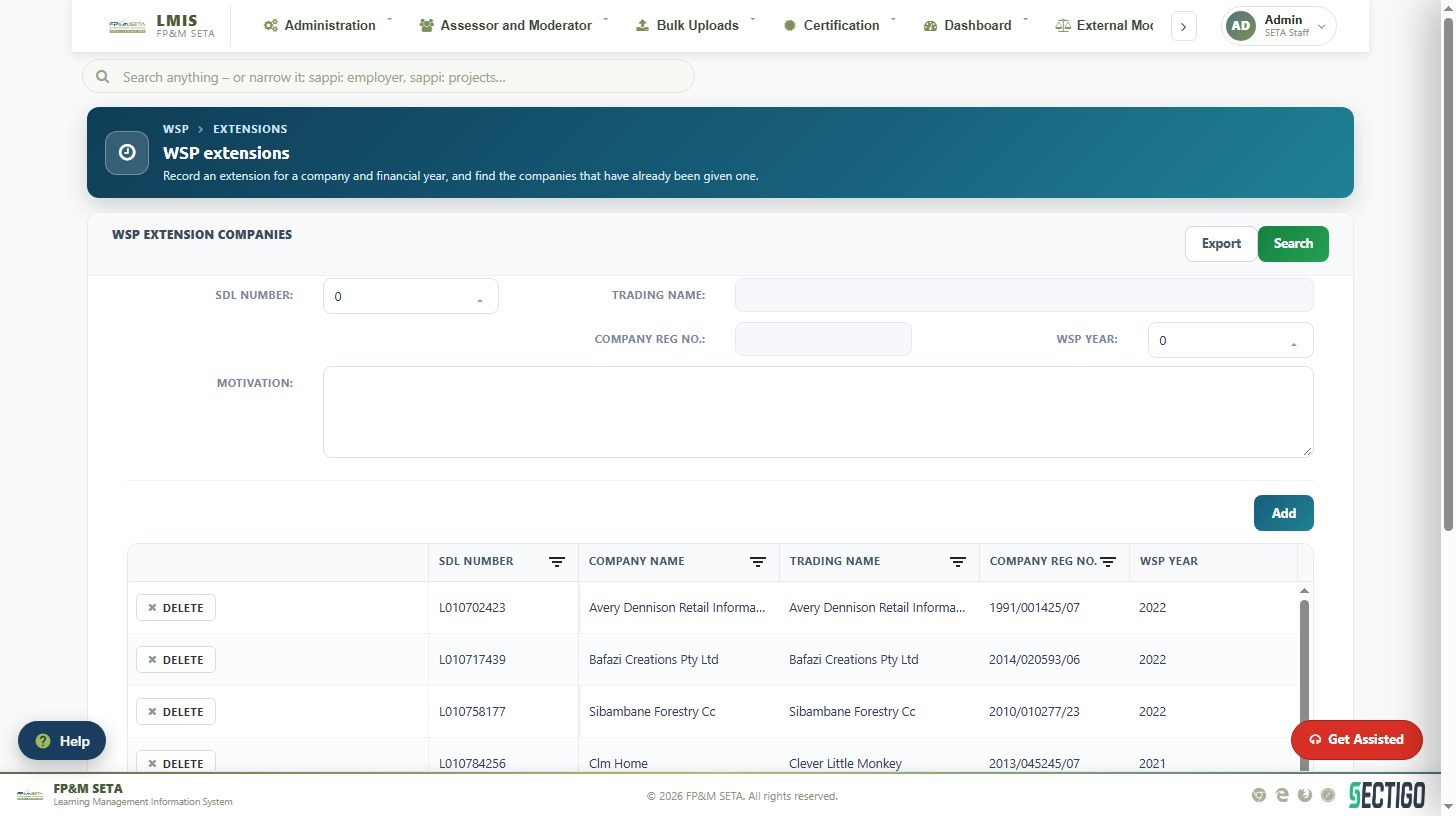
WSP Extensions records a deadline extension for a company and financial year. Select the SDL Number (or enter the Trading Name / Company Reg No.), choose the WSP Year, type the Motivation and click Add. Approve grants an Open request, Delete removes it and Export downloads the list.