
Discretionary grants — overview for employers
How a DG application moves from capture to commencement letter.
Discretionary Grants (DG) fund learnerships, skills programmes, internships, bursaries and other learning interventions. An employer applies during an open DG window (the deadline is shown on the home page), the SETA verifies the supporting documents and evaluates the application, and approved projects receive a commencement letter and are tracked through to payment.
- Register a user account with the user type Employer, activate it and log in.
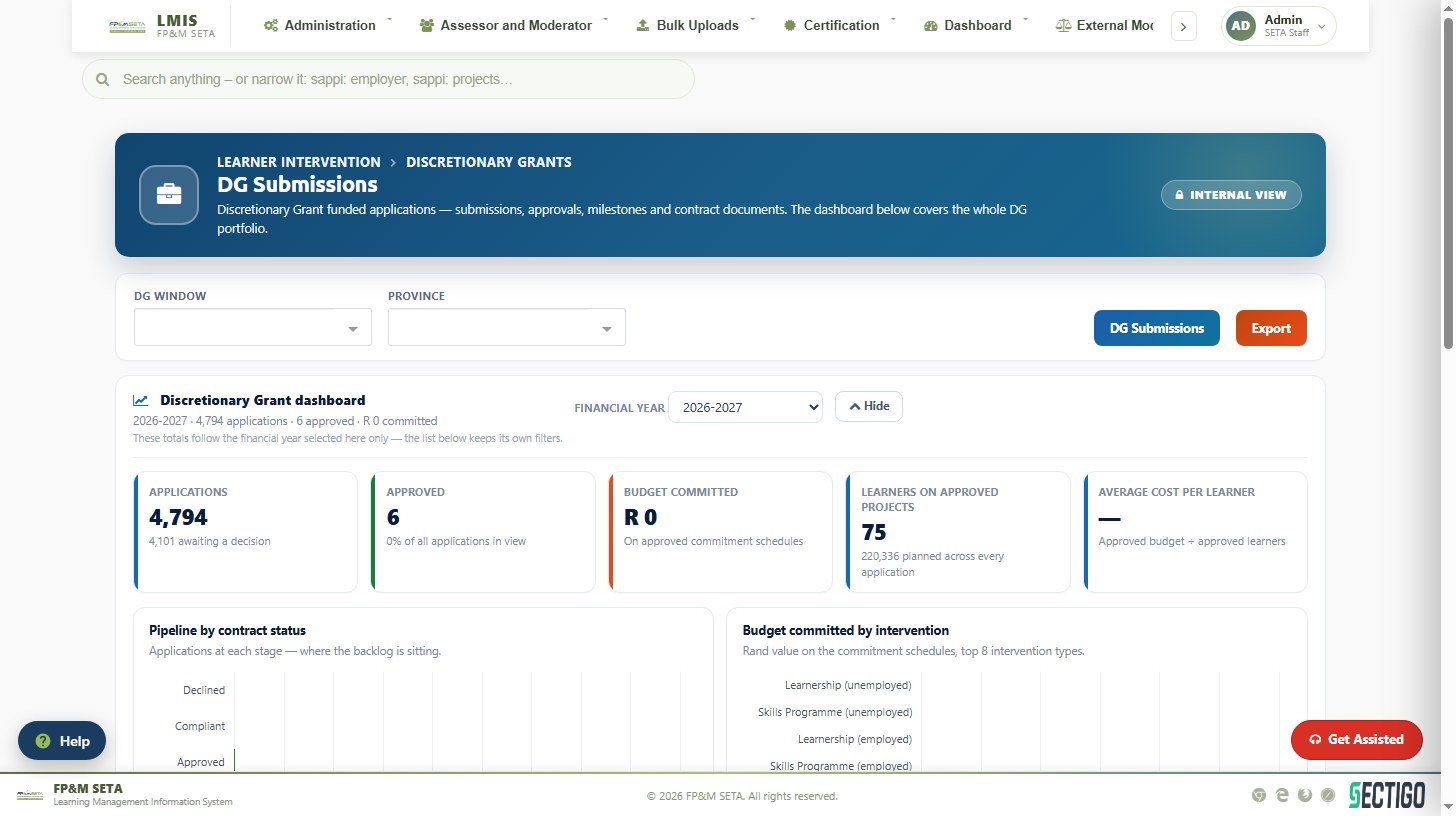
- Open Projects > DG Applications. The DG Submissions page lists your applications with their status, DG window, intervention type, number of learners and budget.
- Click DG Application to capture a new application — Capture a DG application.
- Upload the supporting documents and submit — the same article.
- Once the SETA has verified the documents and approved the application, add the learners — Link learners to an approved DG project.
- Sign the MOA and annexure online when the SETA sends the link — Sign the MOA online.
- During the project, use the project portal for the monthly submissions, tranche deliverables, dropouts and placements, and declare any learner who has died — Declare deceased learners. The SETA's Project Office reviews what you upload and pays the tranches.
Note
The Learner Intervention Type you select determines the funding amounts attached to the application. Make sure the FP&M SETA Learning Unit box is ticked for FP&M SETA programmes and that you choose the correct qualification, learning programme and learnership — wrong choices affect the learners later.
Was this article helpful?Thank you for your feedback.