
Administration — users, roles and access
User Overview, User Management (modules and functions), User Roles and titles.
User Overview
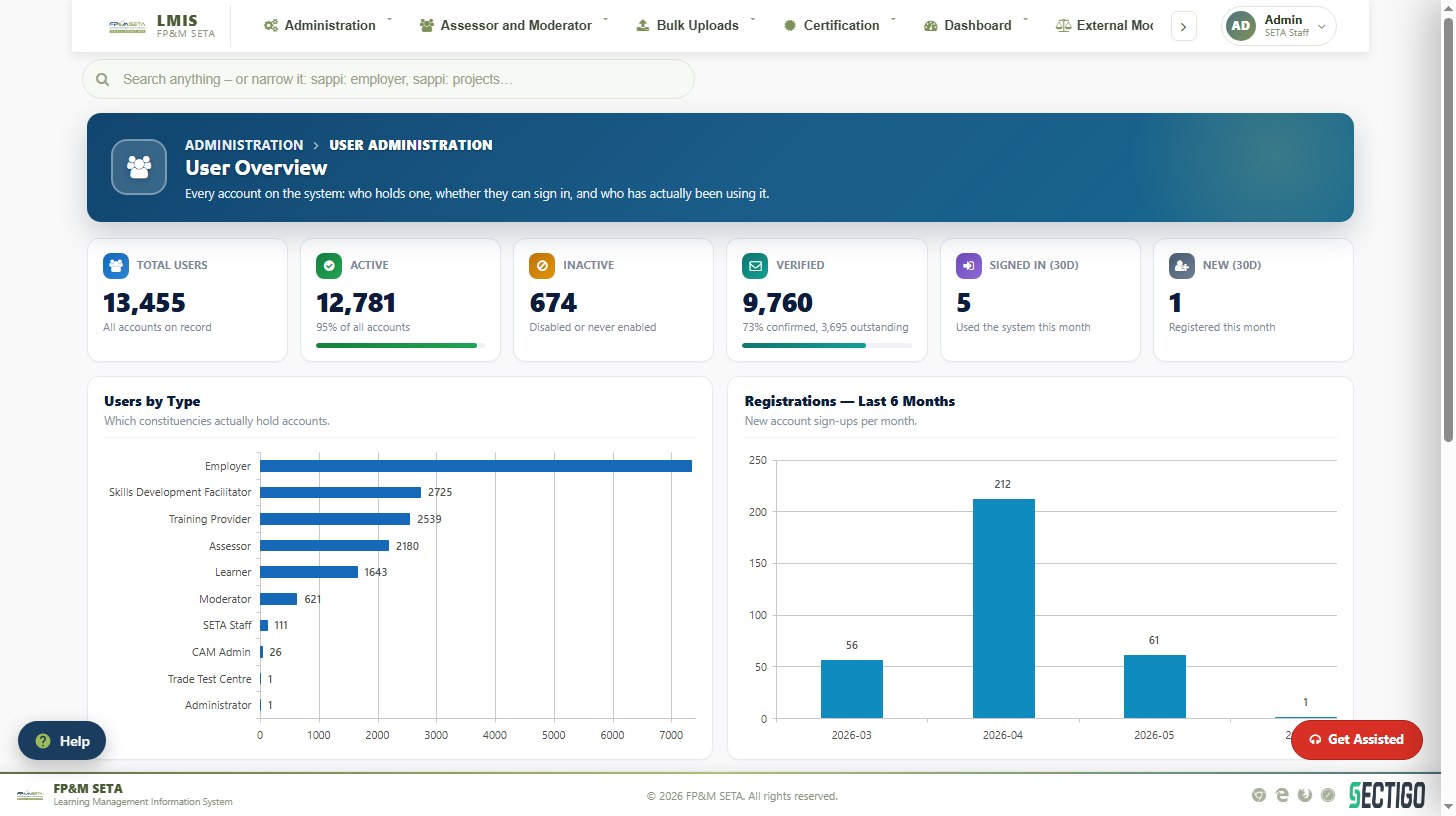
Every account on the system: who holds one, whether they can sign in and whether they have used it. KPI cards show Total, Active, Inactive, Verified, Signed in (30 days) and New (30 days) users, with charts of users by type and registrations over six months.
- Filter the grid by User ID, User Name, Email, Active, User Type, Job Title, Verified or dates with the column funnels.
- Edit opens an account to change its details, user types, active flag or password.
- New User creates an internal account.
- Tick accounts marked Not verified (or Select All) and click Send Activation Emails to resend activation e-mails.
- Export downloads the list.
User Management (roles and functions)
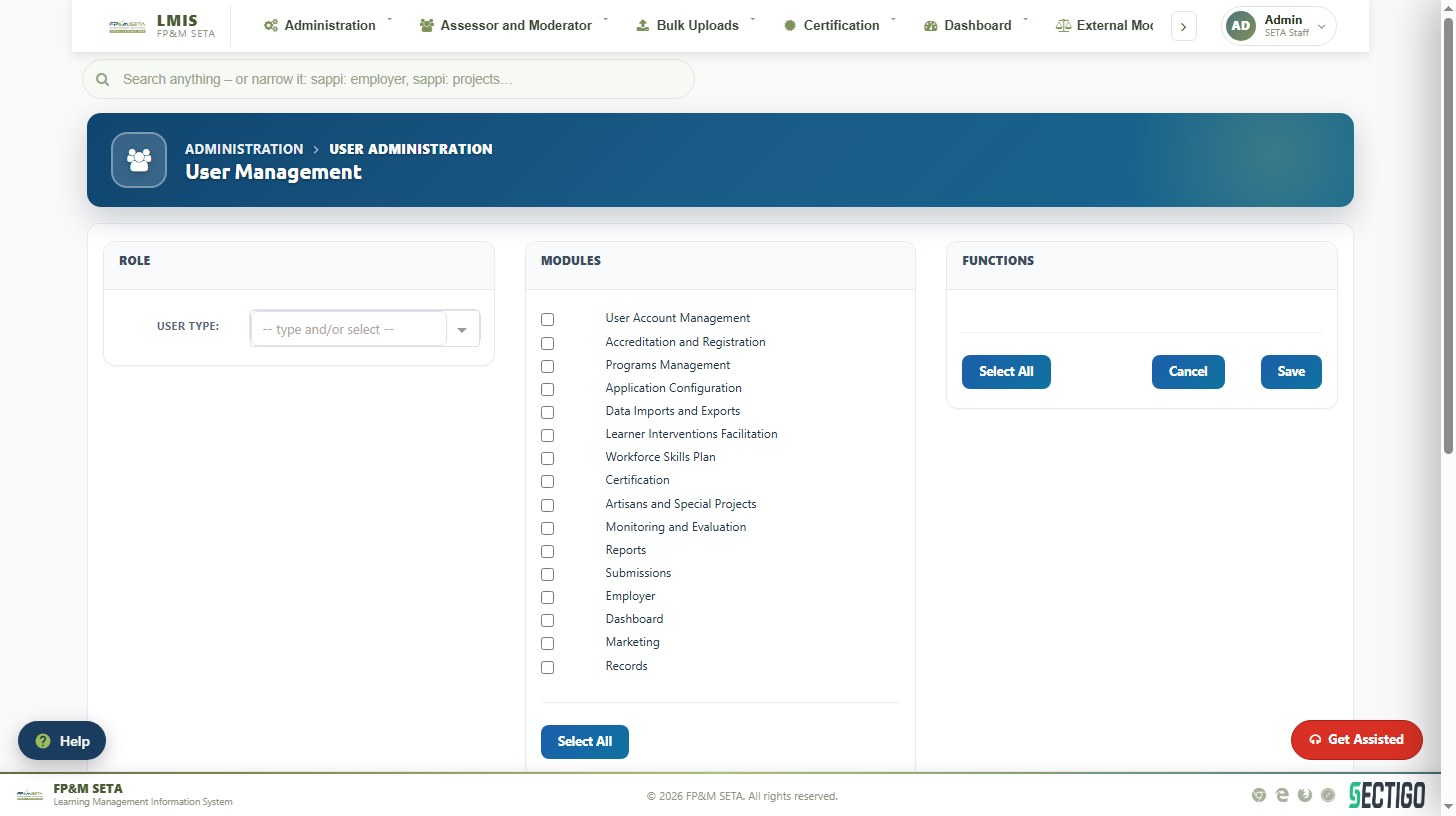
Controls what each user type may do. Select a User Type under Role, tick the Modules it may use (User Account Management, Accreditation and Registration, Programs Management, Application Configuration, Data Imports and Exports, Learner Interventions Facilitation, Workforce Skills Plan, Certification, Artisans and Special Projects, Monitoring and Evaluation, Reports, Submissions, Employer, Dashboard, Marketing, Records), tick the Functions within them and click Save. The grid lists every allocated function; Delete removes one.
The User sub-menu also contains User Roles (the list of user types), User Title, Evaluator Profile and SSA Availability (when Sector Skills Agents/evaluators are available for allocation).