
Complete your personal details (My Profile)
Fill in the Bio Data and contact details the first time you log in.
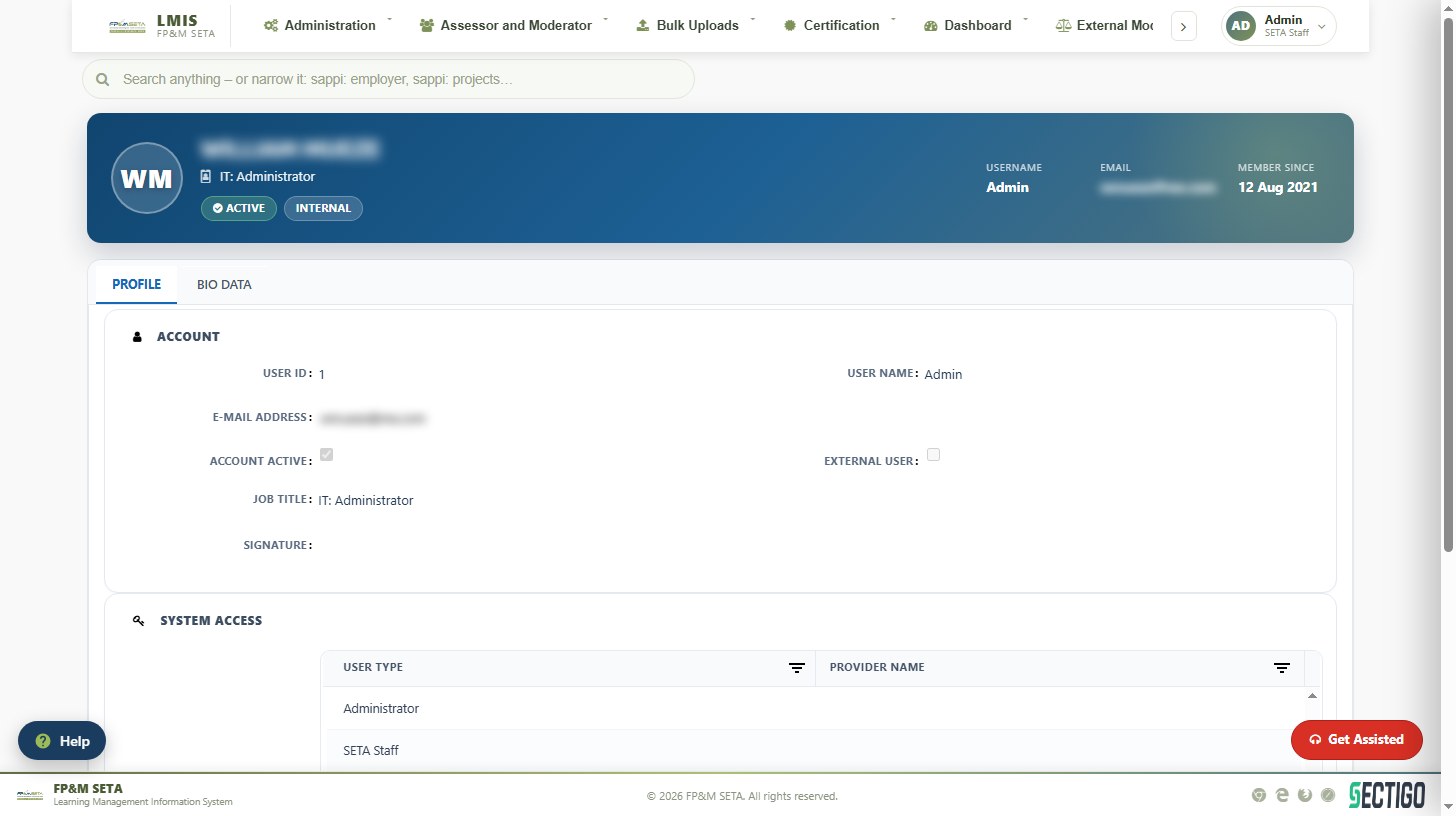
The first time you log in, LMIS opens your profile in edit mode so that you can complete the details required for your user type. The profile has a Profile tab (account information and user types) and a Bio Data tab (personal and contact details).
- Complete every field on the Bio Data tab: ID Type and National ID (or passport), names, title, date of birth, race, nationality, home language, gender, citizenship status, socio-economic status and disability status.
- Complete the Contact Details: physical address, postal address (use the >> button to copy the physical address to the postal address), province, e-mail, telephone and cell number.
- Click Save. A green Record saved successfully bar confirms the save.
Note
If you click Save before completing the compulsory fields, LMIS highlights each missing value in red with the message … value is required. Complete the highlighted fields and save again. Once the profile is saved, the menu items for your user type become available.
You can return to your profile at any time from the profile menu at the top right of the screen or through Administration > User > My Profile.
Was this article helpful?Thank you for your feedback.