
Reports
The standard operational reports and how to run them.
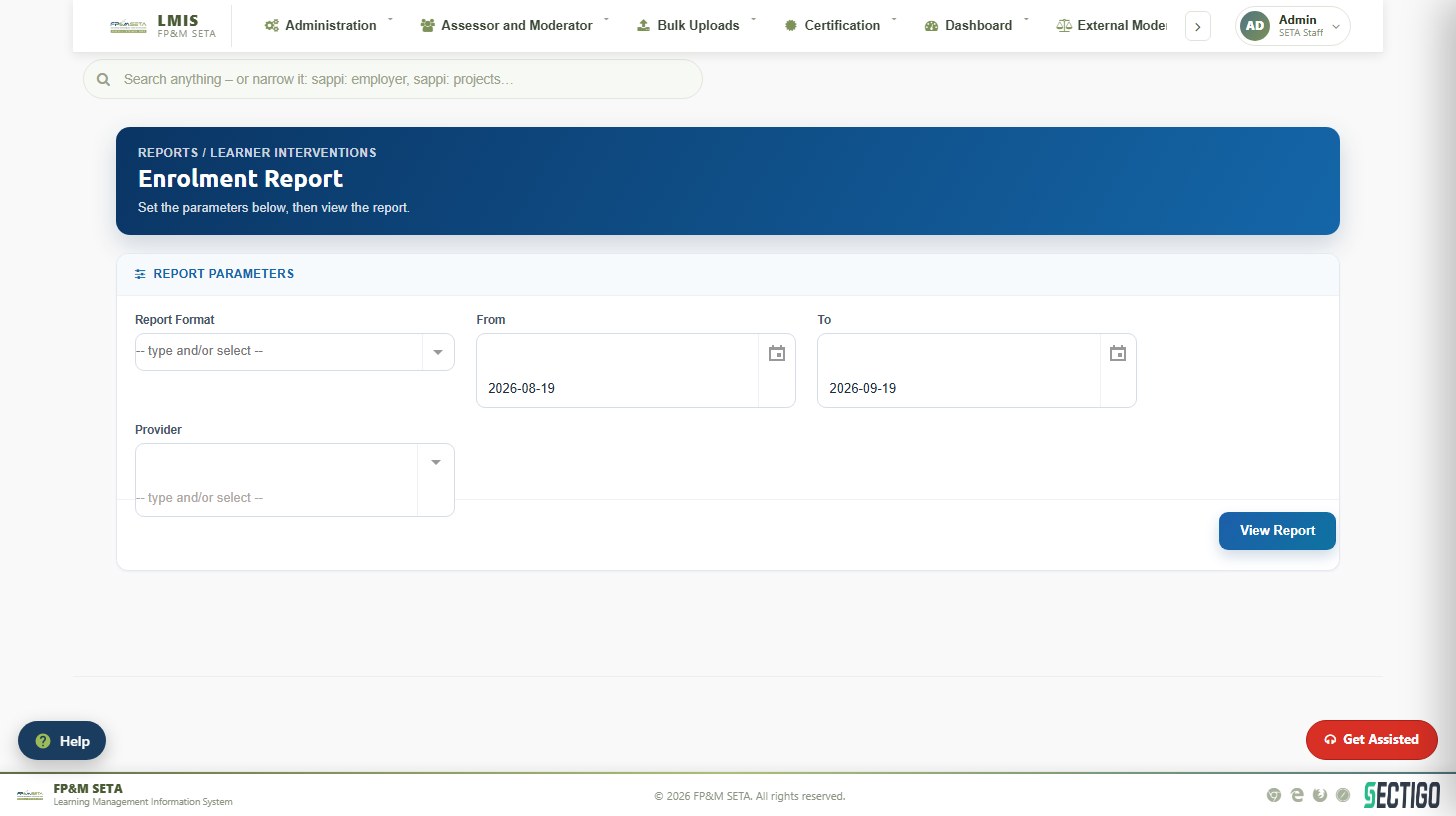
Every report follows the same pattern: set the parameters and click View Report.
- Open the report from the Reports menu and its group.
- Select the Report Format (PDF, Excel or Word), the From and To dates and any other parameter such as Provider or Financial Year.
- Click View Report. The report is generated in the selected format.
| Group | Reports |
|---|---|
| User | User report |
| CAATS | CAATS Processing — SETA performance reporting |
| Contact Details | Artisan, Assessor, Employer, Learner, Moderator, SDF and Training Provider contact details |
| Discretionary Grant | DG Applications Dump Report, DG Submissions |
| Finance | Approved WSP, Commitment Register, Income Summary, Levy Income, WSP Payments |
| Learner | Achievements, Certification, Enrolled, Industry-Funded / SETA-Funded / Unfunded Learner Registration, Statement of Result |
| Mandatory Grant | WSP, WSP Employees Data, WSP HTFV Data, WSP Skills Gaps Data, WSP SPOI Data |
| CAM | Assessor Registration, Moderator Registration |
| SDP | Accreditation |
| Other | APP Targets, Learner SQMR Reports, Non Pivotal SQMR Reports, SQMR Processing |
Was this article helpful?Thank you for your feedback.