
Log in to LMIS
Sign in with your username, password and user type.
- Go to https://lmis.fpmseta.org.za/ and click Sign In, or go directly to https://lmis.fpmseta.org.za/Account/Login.
- Enter your User Name.
- Enter your Password. Click the eye icon to check what you typed.
- The User Type list is populated automatically from your username. If your account has more than one user type, select the one you want to work as for this session.
- Click Login. Your role-specific dashboard opens.
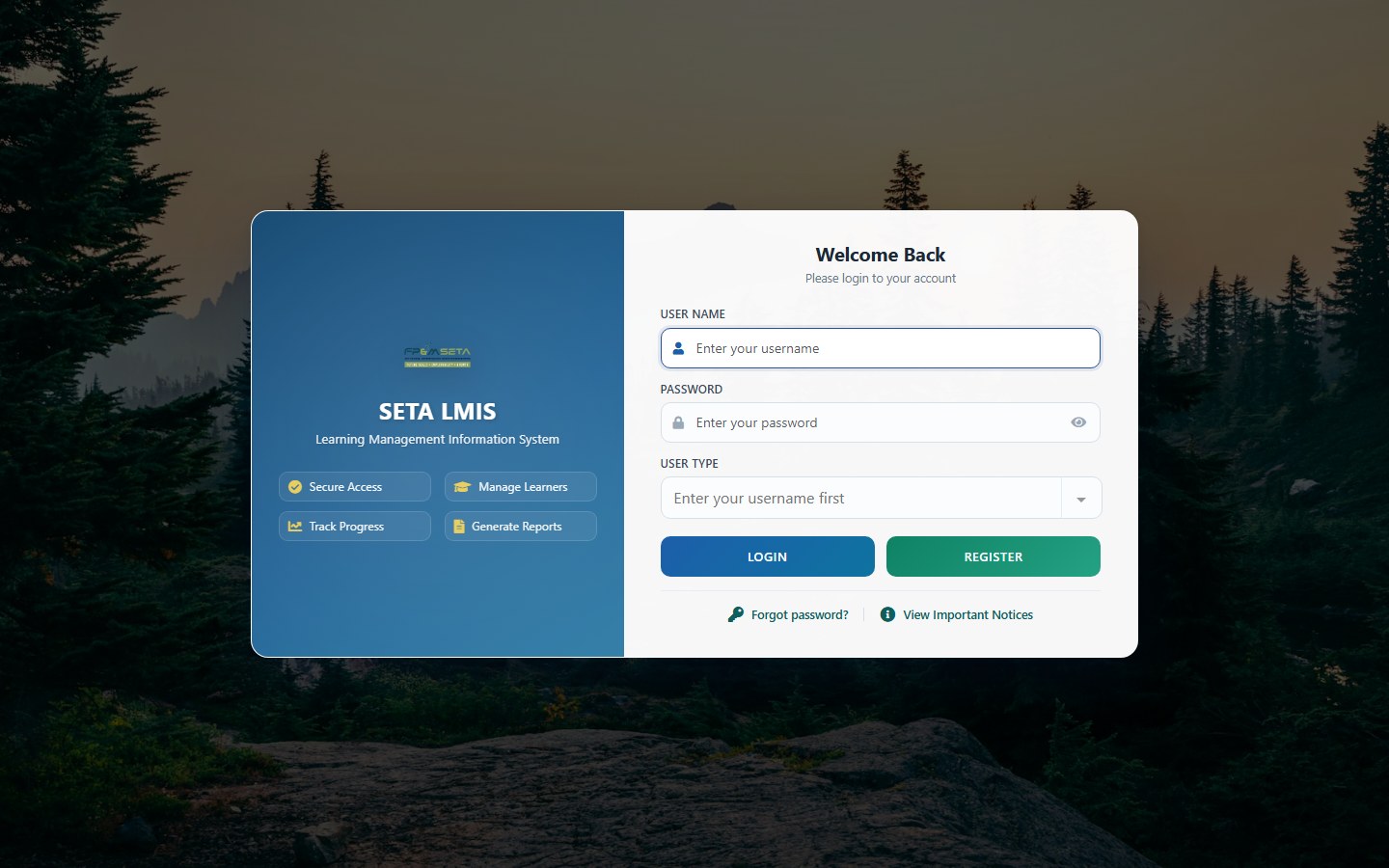
The Login page also has a Register button for new users and, under the buttons, a Forgot password? link next to View Important Notices, which shows notices published by the FP&M SETA (grant window dates, planned maintenance and so on).
Note
Forgotten your password? Click Forgot password? on the Login page and enter the e-mail address registered on your profile - LMIS e-mails you a link to choose a new password; it works once and expires after an hour. LMIS also locks an account after repeated failed login attempts; if yours is locked, e-mail helpdesk@fpmseta.org.za from that address and ask for it to be unlocked.
Was this article helpful?Thank you for your feedback.