
Session time-out and logging off
What the "Your session has ended" page means and how to log off safely.
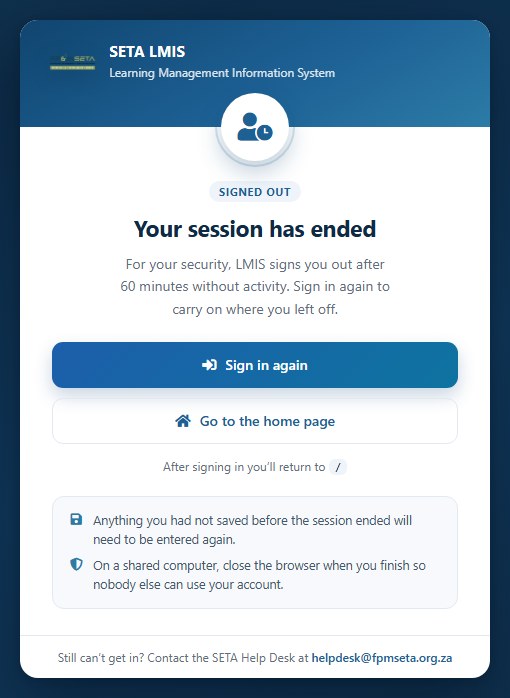
For security, LMIS ends a session after a period of inactivity or when you log in from another browser. When this happens you see the Your session has ended page. Click Sign in again to log in and return to the page you were working on, or Go to the home page. Anything you had not saved before the session ended must be entered again.
To log off, open the profile menu at the top right and click Log Off. On a shared computer always log off and close the browser when you have finished.
Was this article helpful?Thank you for your feedback.