
Training providers — overview
Accreditation, extension of scope, learner enrolments, site visits and certification.
A Skills Development Provider (SDP) uses LMIS to:
- Register with the user type Training Provider (tick New Provider if you are not yet accredited with the FP&M SETA) and complete the personal details.
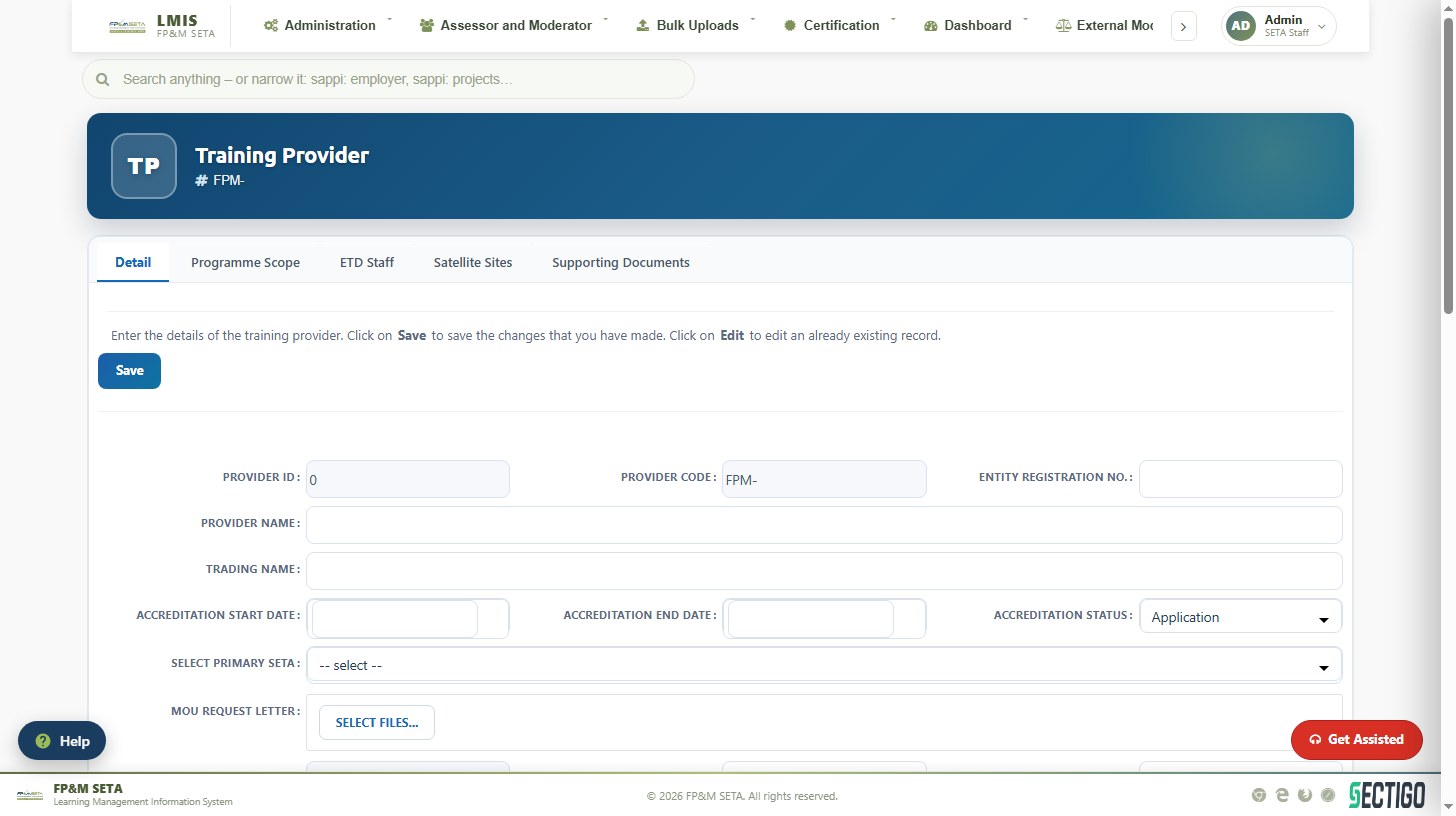
- Apply for accreditation — a seven-step application covering provider details, QMS, programme scope, ETD staff, satellite offices and delivery sites, documents and verification.
- Apply for extension of scope or remediation once accredited.
- Enrol learners on qualifications, unit standards, learnerships and skills programmes, individually or as classes.
- Record achievements and prepare for site visits so that the SETA can verify learners and release certificates.
Your Provider Profile (SDP > Provider Profile) shows the accreditation status, the learning units you are accredited for and the buttons Apply for Extension of Scope / Apply for Re-accreditation once your first application is approved. Progress of an application can be followed on your Dashboard.
Was this article helpful?Thank you for your feedback.