
The LMIS home page
What you can do before logging in — deadlines, templates and video guides.
Open your browser and go to https://lmis.fpmseta.org.za/. The public home page contains everything a first-time visitor needs.
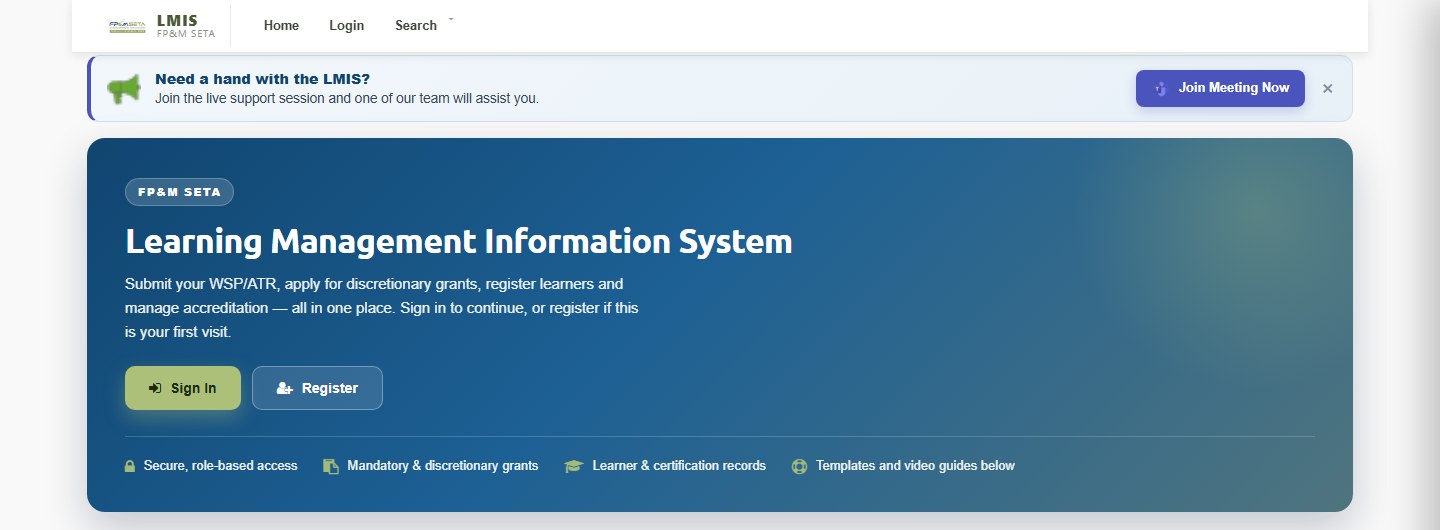
- Sign In and Register buttons in the banner.
- Application Deadlines — countdown clocks for the current Discretionary Grant (DG) and Mandatory Grant (MG) windows. When a window is closed the clock shows Applications Closed.
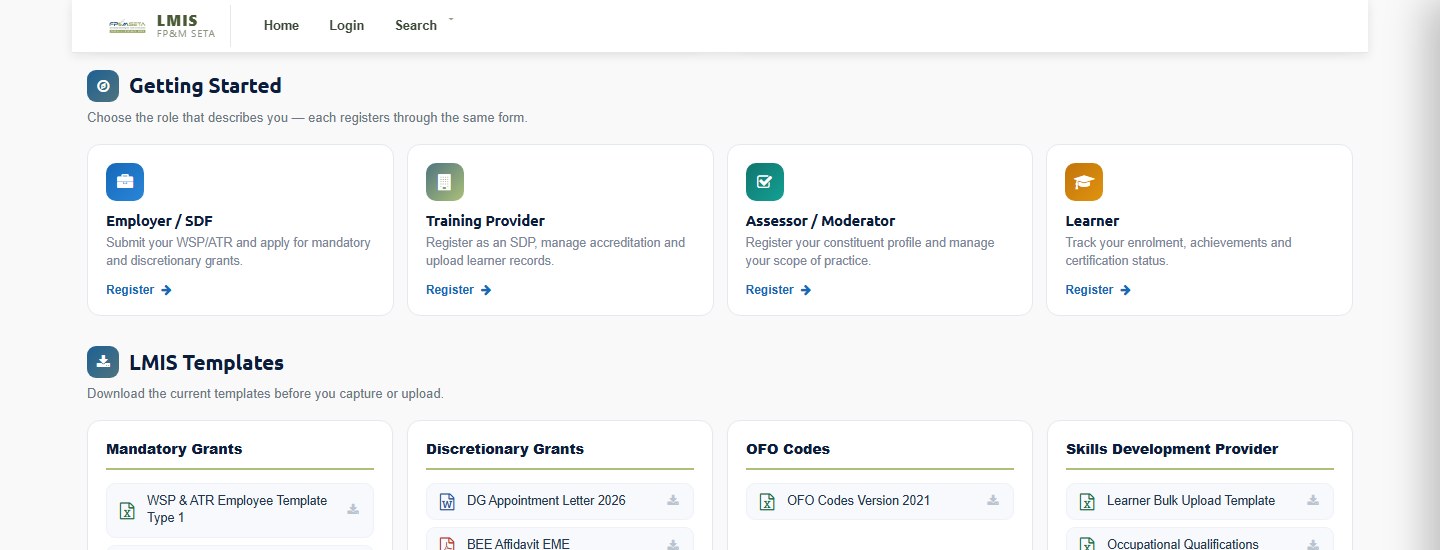
- Getting Started cards describing each role (Employer/SDF, Training Provider, Assessor/Moderator, Learner). All roles register through the same form.
- LMIS Templates to download — Mandatory Grants (WSP & ATR Employee Template Type 1 and Type 2, SDF Appointment Letter), Discretionary Grants (DG Appointment Letter, B-BBEE Affidavit), OFO Codes and Skills Development Provider templates (Learner Bulk Upload Template, Occupational Qualifications).
- System User Guides — short walkthrough videos with a downloadable PDF manual for each process.
- A blue Need a hand with the LMIS? bar with a Join Meeting Now button that opens the live Microsoft Teams support session.
Note
Always download the latest templates from the home page before you capture or upload data. Old templates are rejected by the upload screens.
Was this article helpful?Thank you for your feedback.