Levies and grants — employers and levy income
Employer register, employer profile, levy income summary, journals and SETA transfers.
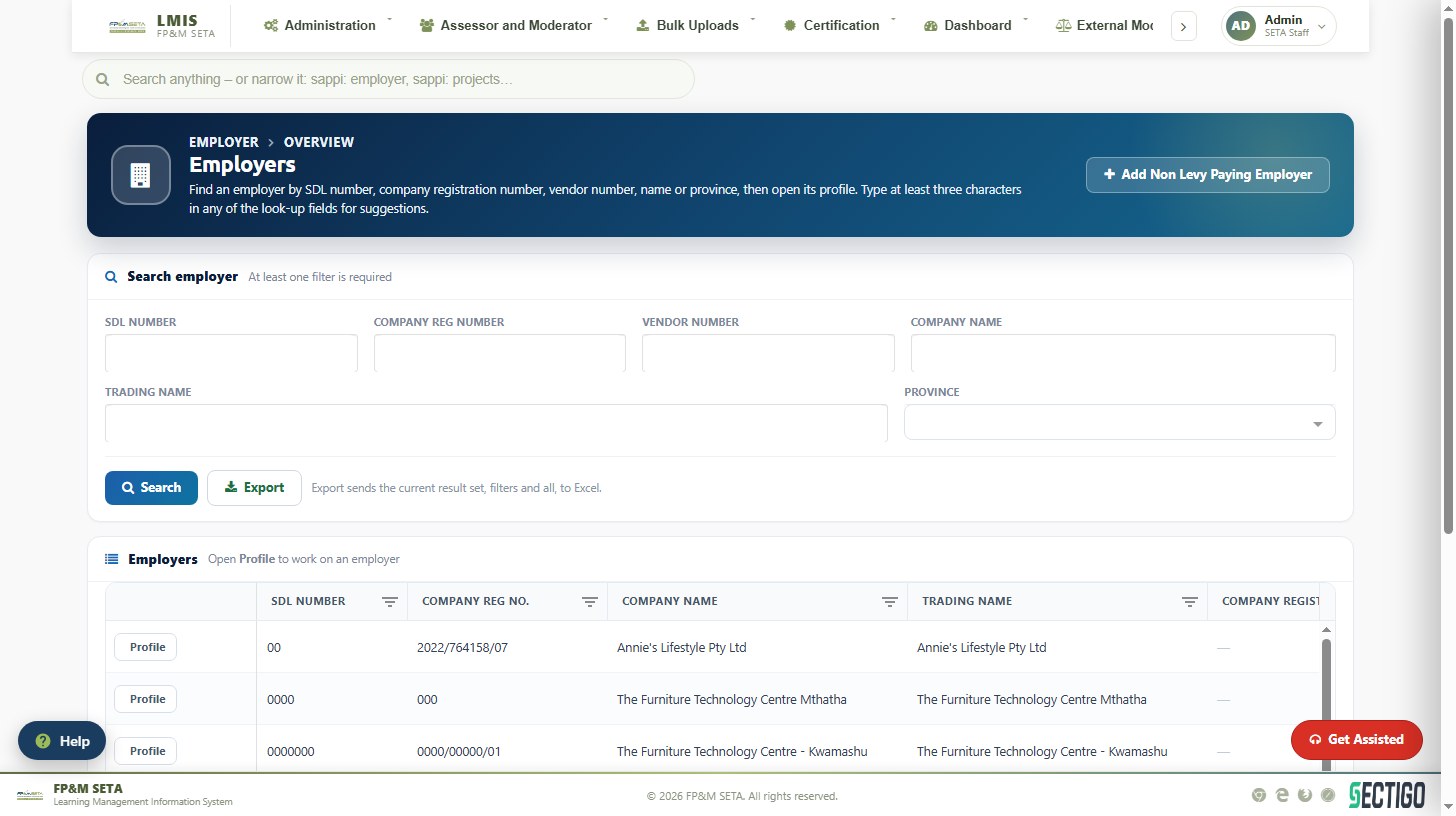
Find an employer
Levies and Grants > Organisations opens the Employers page. Enter at least one filter — SDL Number, Company Reg Number, Vendor Number, Company Name, Trading Name or Province — and click Search (type at least three characters in a look-up field for suggestions). Profile opens an employer; Export downloads the result set; Add Non Levy Paying Employer registers an employer that does not pay levies.
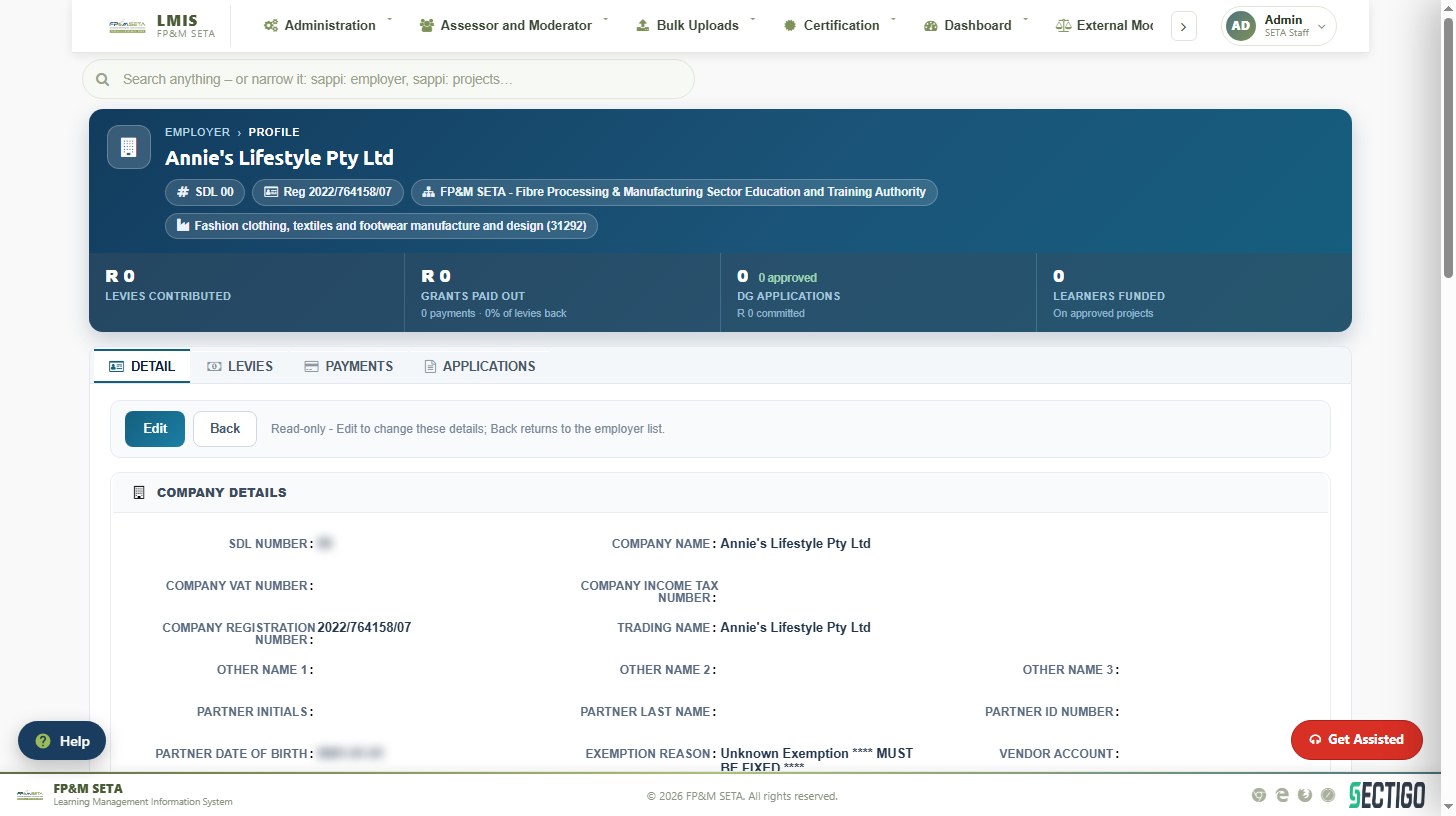
Employer profile
The header shows the SDL number, registration number, SETA and industry (SIC code) with Levies Contributed, Grants Paid Out, DG Applications and Learners Funded. Tabs give Detail (company, banking, contact and representative details), Levies, Payments and Applications. Edit changes the details, Save stores them and Back returns to the list. Sync to ERP pushes the record to the SETA's financial system.
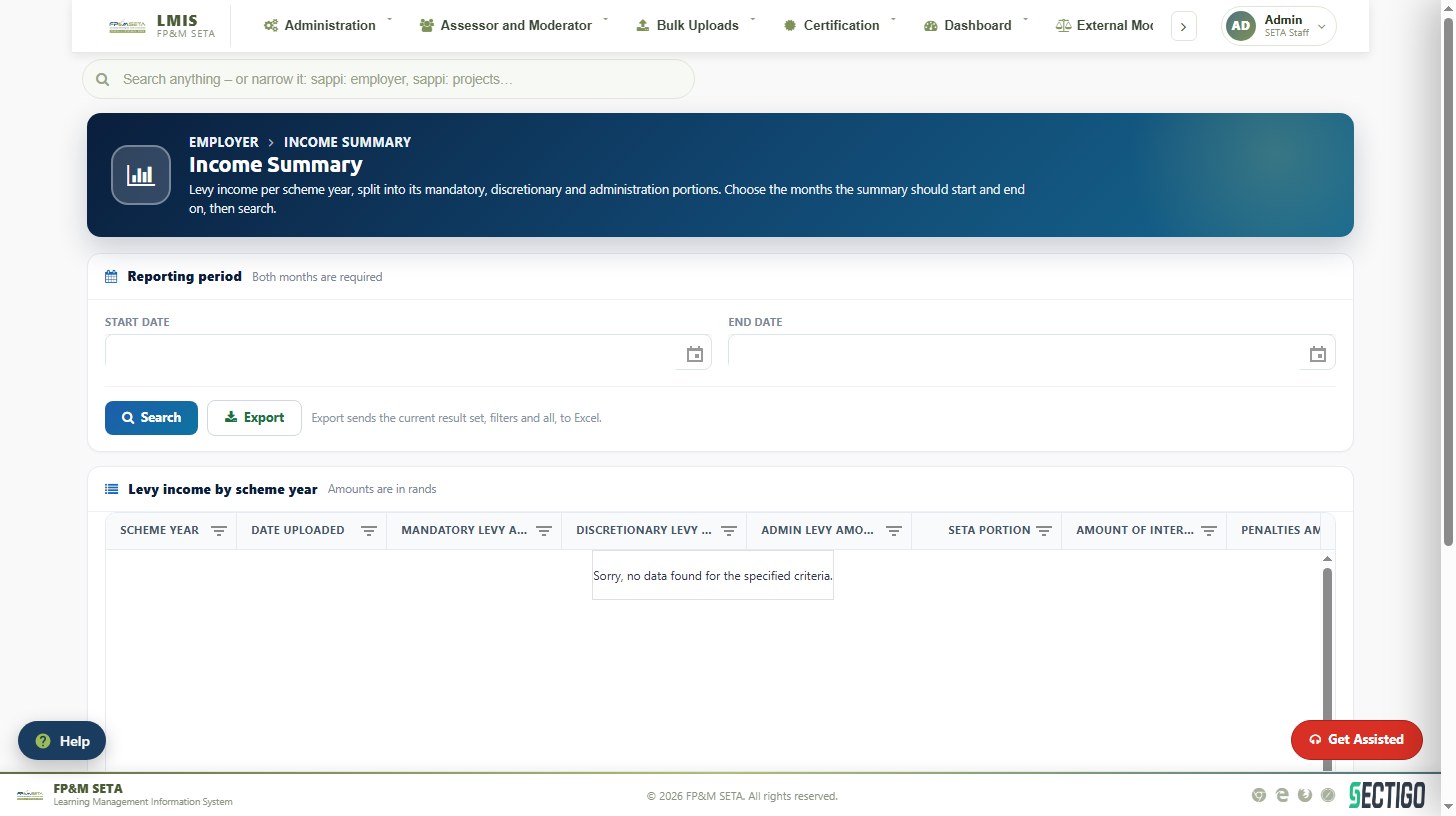
Levy income summary and journals
Levy Income Summary shows levy income per scheme year split into mandatory, discretionary and administration portions, SETA portion, interest, penalties and NSF portion. Choose the Start Date and End Date months and click Search; Export downloads to Excel. Journal Batch records payment journals and SETA Transfer handles employers transferring to or from another SETA.