
SDP module — provider accreditation and learners (SETA view)
Evaluate provider applications, maintain the accredited-provider register and find learners.
Provider accreditation applications
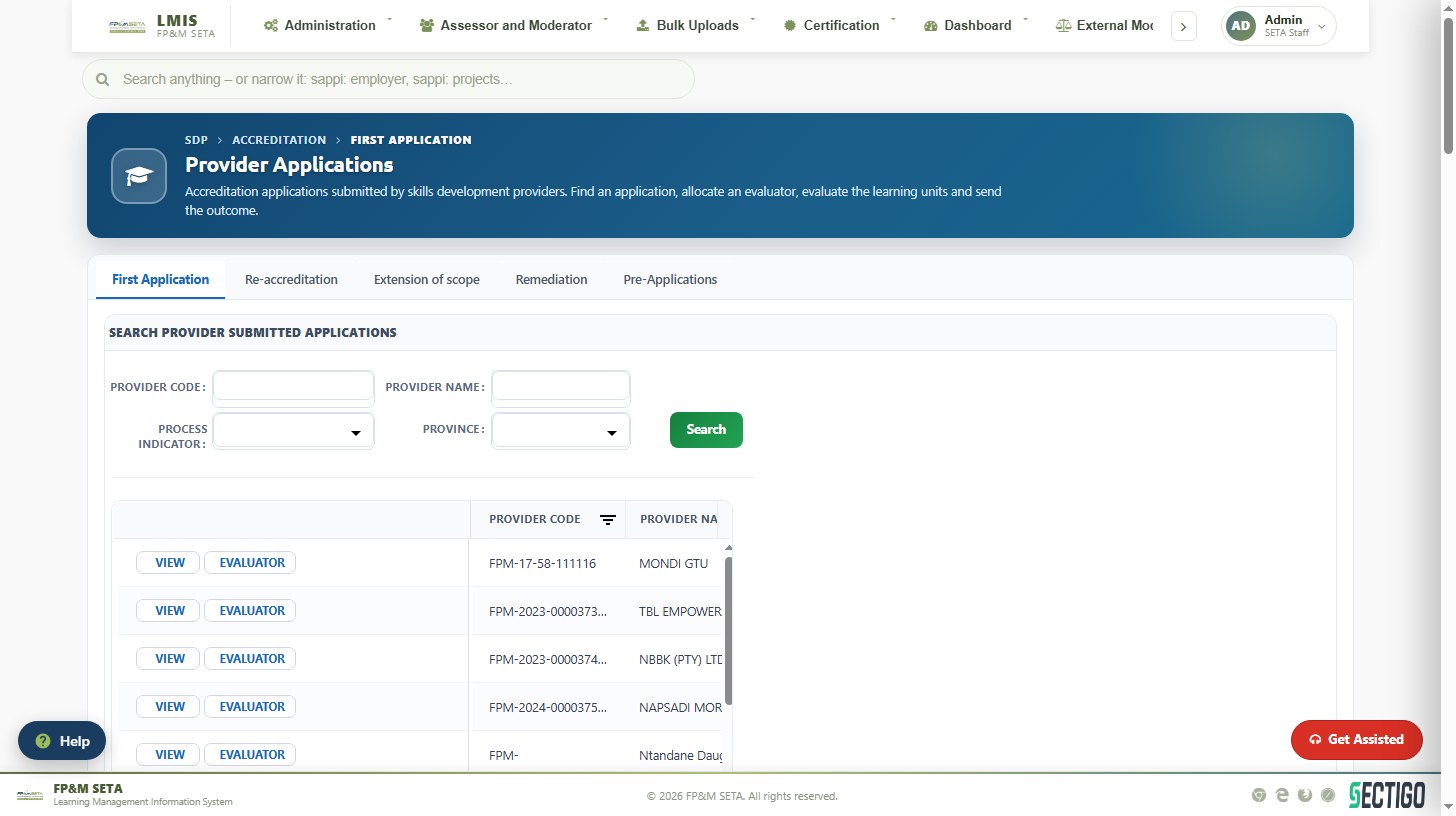
SDP > Accreditation > Provider Applications lists the applications received, with tabs for First Application, Re-accreditation, Extension of Scope, Remediation and Pre-applications. Search by Provider Code, Provider Name, Process Indicator or Province. View opens an application and Evaluator allocates it. In Training Provider Details capture the Manager's Comments and use Send Feedback Email, Send for Approval, Preview Report, Reject or Send Report. Evaluate All evaluates the programmes applied for in one step.
Accredited providers
Accredited Provider is the register of training providers. Search by Provider Code, Provider Name or Accreditation Number; each row offers View, Add Learning Units and Profile. The panels below show the provider's details and the qualifications, unit standards, learnerships and skills programmes it is accredited for, with the accreditation status (Provisional, Full, MOU or Deregistered).
Learners
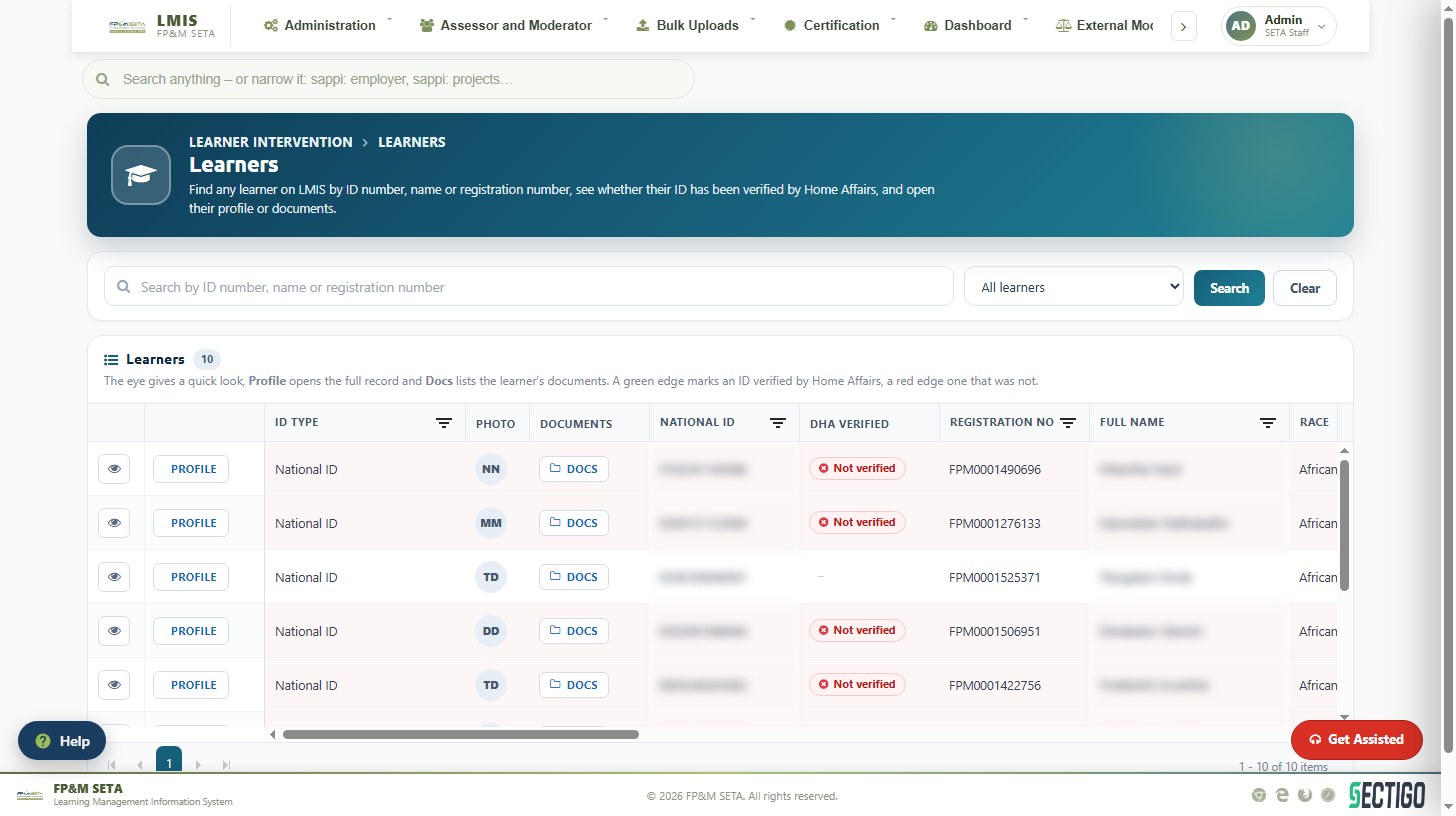
SDP > Learner Overview finds any learner by ID number, name or registration number. The grid shows the ID type, photo, national ID, DHA Verified flag, FPM registration number and demographics. The eye icon gives a quick look, Profile opens the record and Docs lists the documents. A green row edge marks an ID verified by Home Affairs; red marks one that was not.
Learner Profile captures or edits a learner; Enrolments Overview lists learners per class; Industry-Funded Programmes and Unfunded – Learnerships record workplace-based and unfunded programmes; Log Complaints records complaints against providers; Industry Funded Employer Registrations / Approvals handle the employer representatives for workplace-based learning.