
Getting help — Get Assisted and the Help Desk
Live Teams support, e-mail support and the user manuals.
The Get Assisted button at the bottom right of every page opens the FP&M SETA Help Desk panel.
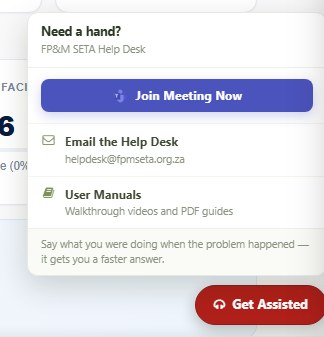
- Join Meeting Now — opens the live Microsoft Teams support session where a SETA team member can assist you.
- Email the Help Desk — helpdesk@fpmseta.org.za.
- User Manuals — walkthrough videos and PDF guides (also on the home page).
When you contact the Help Desk, say what you were doing when the problem happened and include the address shown in your browser — it gets you a faster answer. Telephone: +27 11 403 1700.
Was this article helpful?Thank you for your feedback.