External moderation, site visits and DG monitoring
Moderation reports, SDP site-visit scheduling and discretionary grant monitoring.
External moderation reports
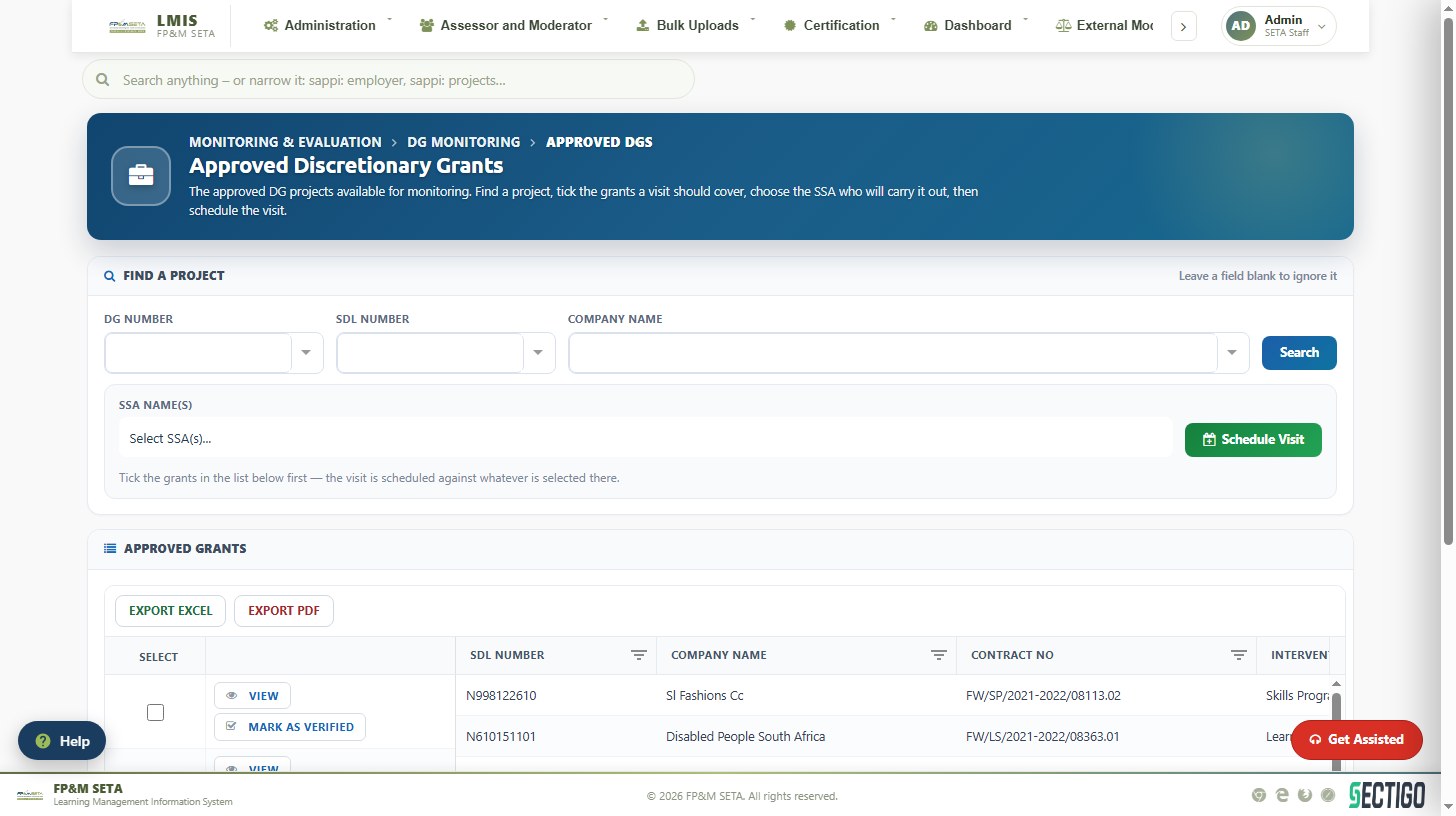
External Moderation > Report Overview lists every moderation report on a provider's class. The tabs follow the workflow: captured under Pending, sent for a decision under Awaiting Approval, and Approved reports are where certification progress is followed. Add New Report captures a report, View opens one, Print prints it and Export downloads the list.
Site visits and the M and E scheduler
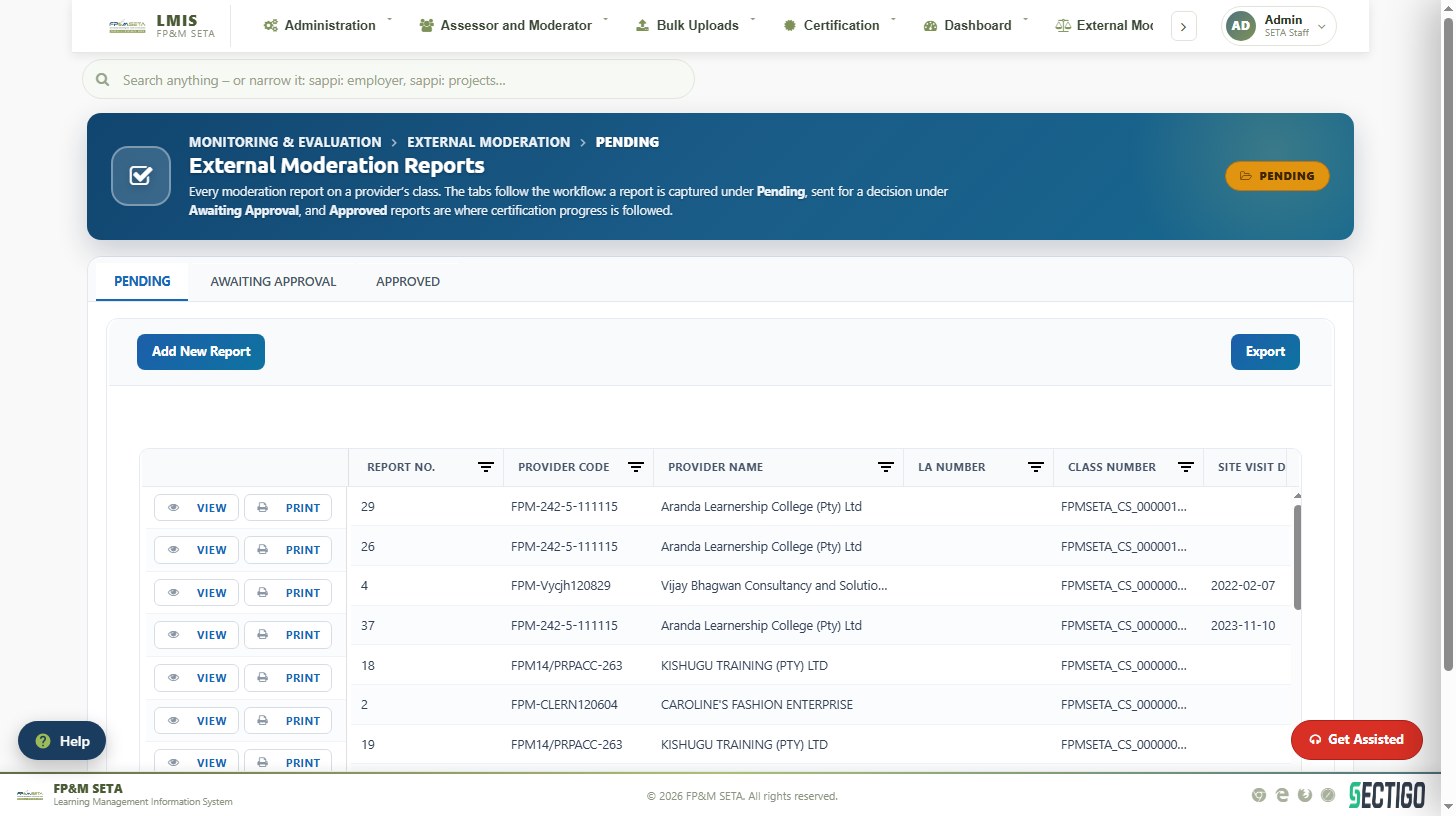
Site Visits shows every moderation visit planned to a provider. View opens the schedule and Confirm Visit records that the provider has agreed to the date. M and E Scheduler shows the visits on a calendar; Export to Excel downloads the schedule.
DG monitoring
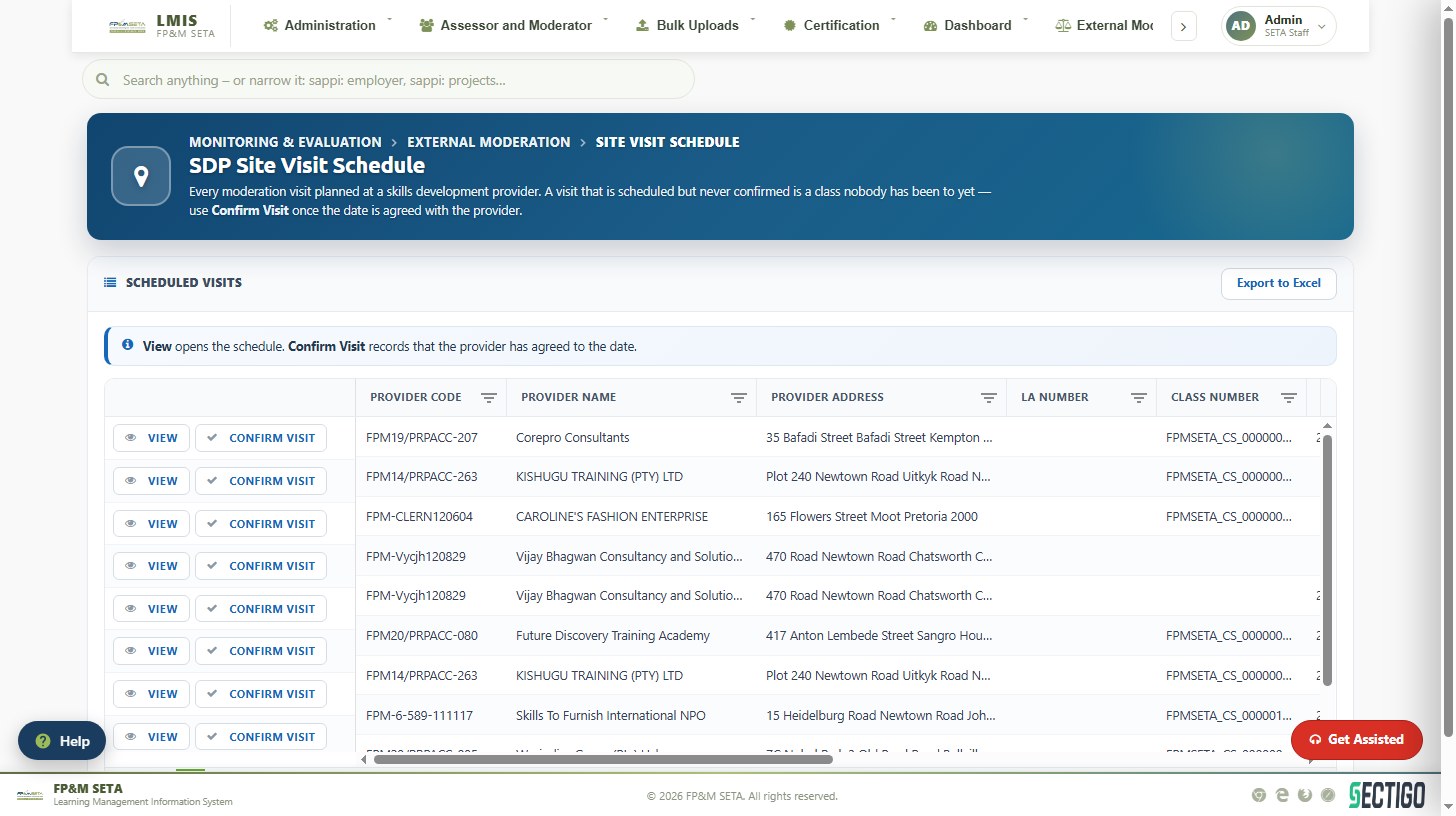
Monitoring and Evaluation > DG Monitoring > Approved DG Overview lists the approved discretionary grant projects available for monitoring. Find a project by DG Number, SDL Number or Company Name, tick the grants a visit should cover, choose the SSA who will carry it out and click Schedule Visit. Mark as Verified records that a grant has been verified on site. DG Monitoring Reports Overview and DG Site Visit track the reports and visits that follow.
Signing off a DG site visit
Each SSA on a newly scheduled visit is e-mailed once, asking them to call the company and confirm the date. After the visit the report's Sign-off tab collects three signatures:
- The SSA on the visit signs.
- The company signs — on the SSA's device during the visit, or later when signed in as the employer.
- A SETA staff member who is not an SSA and was not on the visit signs.
The report can be filed once the company and the SSA have signed. The M&E specialist then recommends it, or sends it back to the SSA, and the manager approves it once it is recommended and signed by the SETA.